A LITTLE PREPARATION. A BETTER FIRST IMPRESSION.
Headshot photo cropper
& style planner.
Crop your headshot photo in your browser, choose a professional style direction, and download the crop and brief. Free to use. AI image generation is not connected.
Bring your best starting photo.
A clear, front-facing portrait in natural light works well.
JPG, PNG, or WebP · Up to 10 MB
Or drag a photo here
Your original photo, cropped locally. No AI transformation.
Make the brief yours.
Style selection changes your written brief, not the uploaded photo.
Add a photo to begin.
READY FOR THE NEXT STEP
Your portrait,
well prepared.
Download the crop and take your style brief to a photographer or your preferred image service.
THREE DIRECTIONS TO EXPLORE
Find your professional presence.
What does this headshot tool do?
Portrait Prep crops an existing photo and prepares a written style brief. It supports square (1:1) and portrait (4:5) exports, with zoom and position controls. It does not generate a new face, replace your clothing, or remove the background.
How to prepare a professional headshot
- Choose a clear, front-facing photo. JPG, PNG, and WebP files up to 10 MB are supported.
- Adjust the crop and select a professional headshot style for your written brief.
- Download the cropped photo and style brief for your next photography or image-editing step.
Headshot photo cropper FAQ
Is this an AI headshot generator?
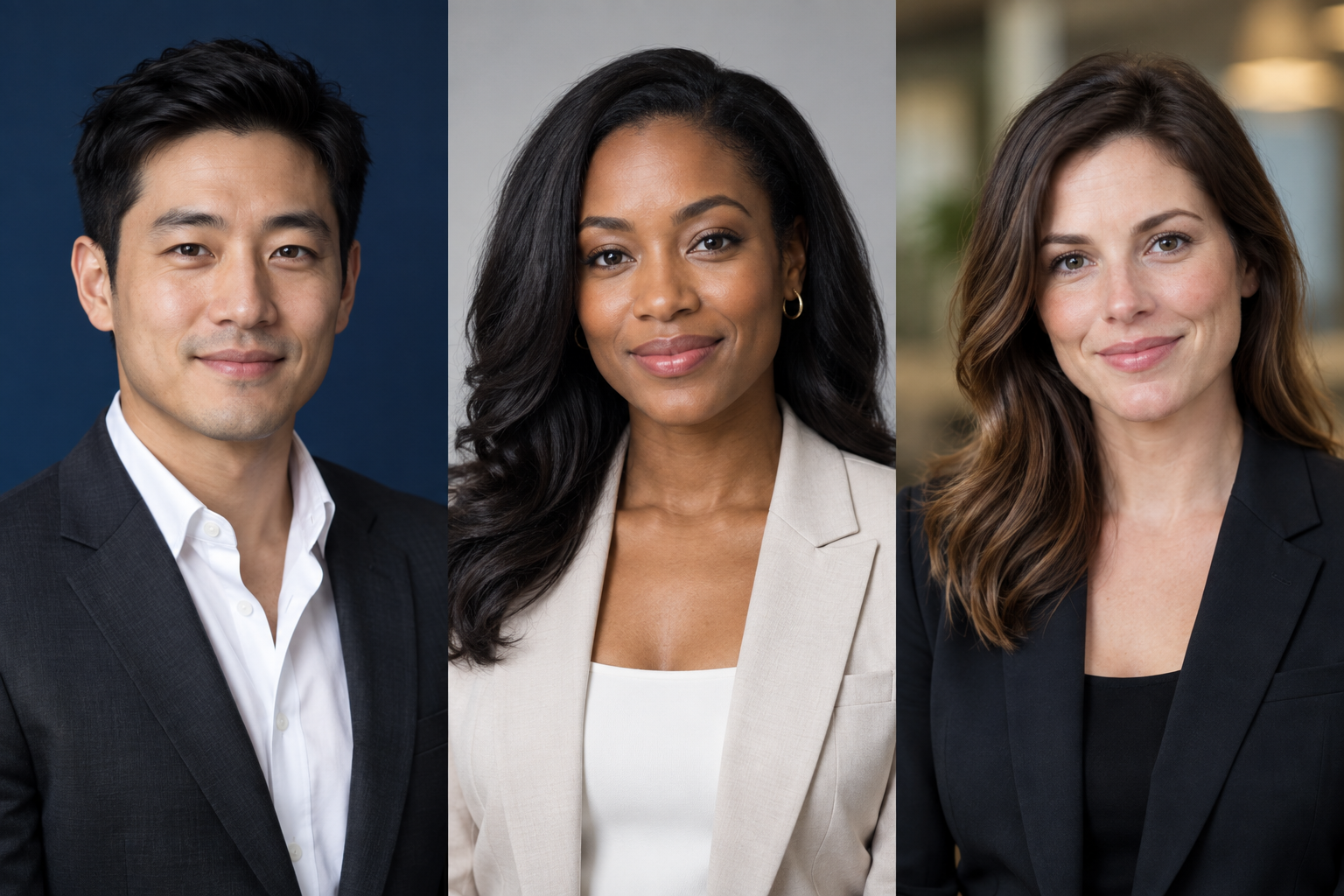
Not in this release. It is a local photo cropper and style planner. AI generation and payments are not connected. The style examples are fictional AI-generated illustrations, not customer transformations.
Are my photos uploaded to a server?
No. Photo selection, cropping, and export happen in your browser. Removing the photo or closing the page clears the active image from this session. Downloaded files remain on your device.
Does choosing a style change my photo?
No. Executive, Approachable, and Creative change the written brief only. The exported photo is your cropped original.
What size is the exported headshot?
The square export is 1000 × 1000 pixels. The portrait export is 1000 × 1250 pixels. A small source photo may be enlarged, so output dimensions do not guarantee added detail.